Construction Contract Management in the Digital Age: Moving Beyond Excel

The digital shift
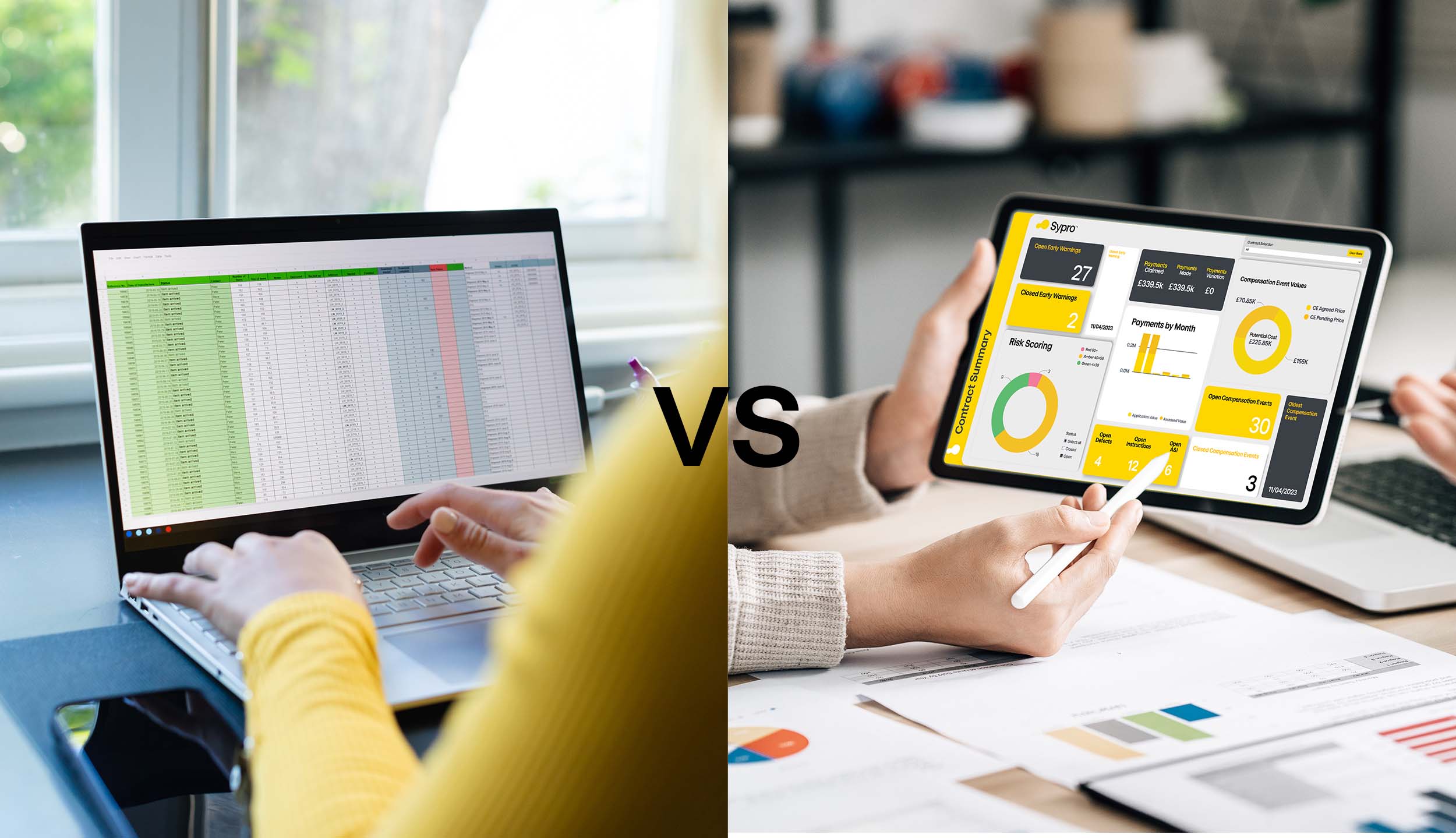
Excel is often the default starting point for managing construction contracts. It’s familiar, accessible, and easy to implement. However, as projects grow in size and complexity, spreadsheets can quickly become difficult to control, maintain, and scale.
Modern digital contract management systems, on the other hand, are designed to support teams working across multiple projects, stakeholders, and commercial pressures. They provide structure, visibility, and real-time insight, helping contractors manage risk, protect margin, and maintain control throughout the project lifecycle.
Contract compliance through standardisation
Managing a construction contract requires strict adherence to its defined notices and deadlines. While Excel offers flexibility, that same freedom creates variability, leaving processes dependent on manual tracking and personal discipline.
Digital contract management systems embed these mechanisms into structured workflows, guiding teams through each step. For example, NEC compensation events involve multiple permutations and a three-week quotation deadline. A digital system ensures responsibilities are clear, deadlines are visible, and processes remain consistent, reducing risk and improving overall control.
“Contract management software has been built around contracts, Excel hasn’t.”
Reducing risk through compliance
A primary reason to adopt contract management software is compliance. Missed deadlines can lead to disputes and non-compliant contracts, risks that a digital solution can eliminate. Unlike Excel, such software provides automated alerts for key dates, reducing the chance of missed submissions or payments.
Relying on scattered communication like email or WhatsApp can create compliance issues, as courts may recognise informal messages as binding agreements. A web-based tool centralises all communications and contract updates, creating a clear audit trail and stronger compliance oversight.
Eliminating manual errors
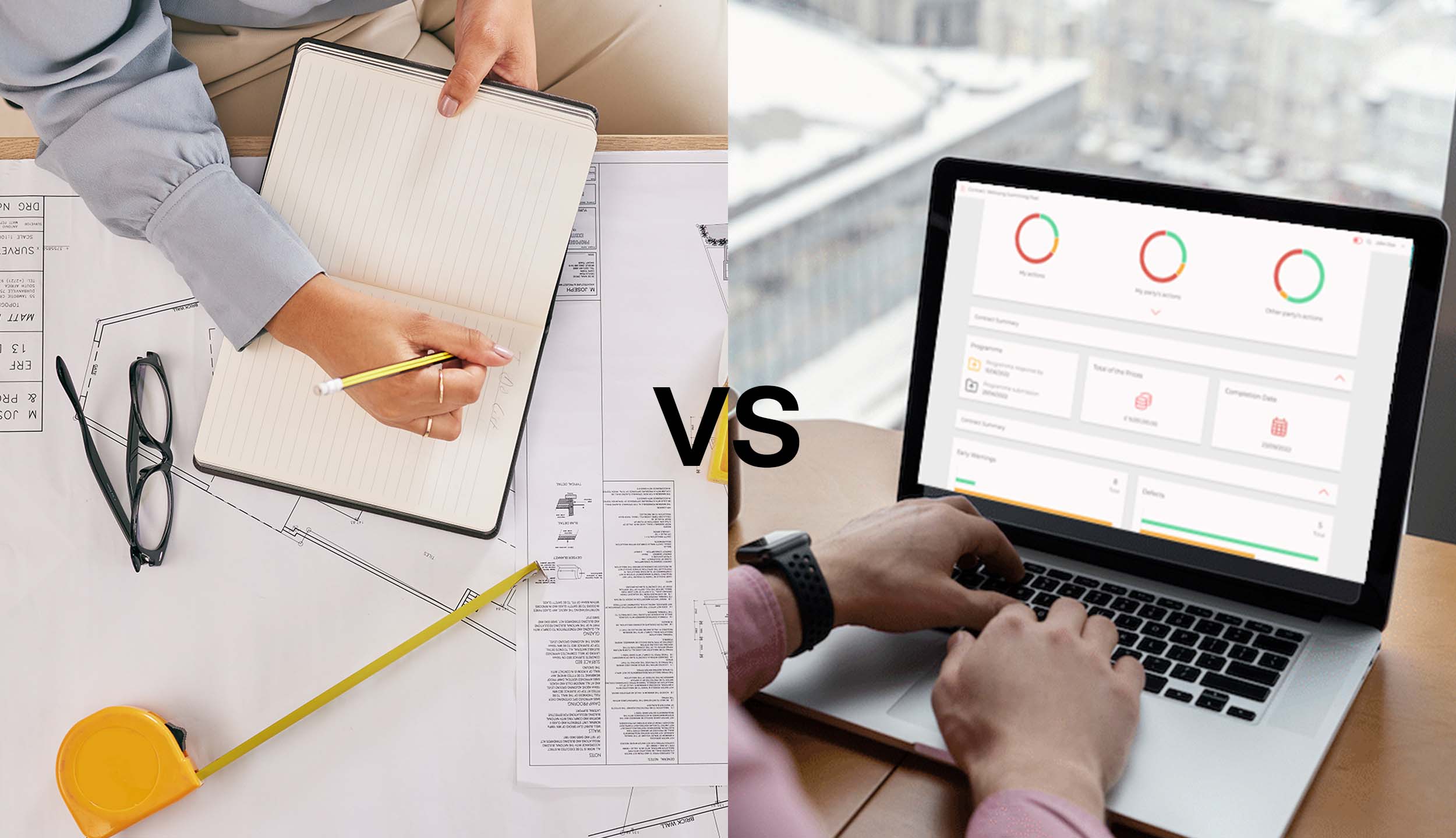
Using Excel means starting from a blank page and manually creating contracts, clauses, and workflows. Everything, from tracking deadlines to assigning tasks, must be done by hand, which is time-consuming and prone to errors. Compliance checks are retrospective, leaving you and your company exposed to potential legal risks.
Contract management software automates these processes, guiding users through workflows and ensuring every task is completed on time. It also eliminates version conflicts between client and contractor spreadsheets, centralising all documents and updates in an all-in-one system. This reduces errors, keeps everyone on the same page, and provides a much stronger compliance and audit trail.
“For project administration, using Excel is similar to writing a diary.”
Built-in transparency
In a shared Excel or Google document, changes can be overwritten. Everything that goes through a digital solution is timestamped; you can check and know who did what actions and when. If you also accidentally delete something, this might not be noticed on Excel. With a software, if something is inputted wrong this can be changed within the system and to the standard of the contract, not just dependant on how people want it to be read.
If a project ends up in dispute, reliance on things like Excel is not valid from a legal point of view as it can be overwritten. A contract management software will demonstrate this very quickly in a bid. An individual audit trail within software that showcases down to the hour, minute, second, who’s done what bide by role in the contract will legally hold up and is an excellent audit trail of compliance.
One team, one system
The more collaboration on the project, the better it runs. If everyone knows where they stand, people know what actions they need to deliver on, eliminating delays. Digital tools bring all parties under one roof. A contract is a multi-person event so lots of people need access to the tool.
If people are working from one Excel sheet, there is a concern of multiple people adding the same data. This causes natural errors in the inputting of data and also potential misses for contractors regarding workflows early on, on compensation events. If you don’t work to the workflows subscribed by the contractor, you do open yourself up to a pot of errors.
“A quote from a contractor doesn’t just require one person, so the software you are using shouldn’t either”

Protecting your projects
Having all your workflows built into a digital system ensures that all the processes and admin of a project are all recorded and handled properly. There are lots of different things that can happen throughout the duration of a project. With NEC contracts, it is very admin heavy to ensure fairness across all parties. Missing steps within this can cause harmful consequences later on.
One of the major causes of compensation events is the change of scope from the client. A client will often put forward a detailed Scope at the start of the project, when things happen throughout the project where the client changes their mind, needs or requirements in the process of the build, sometimes details can be lost in translation. Without using the contract properly with a software, you can end up in a grey area which no one wants with contracts.
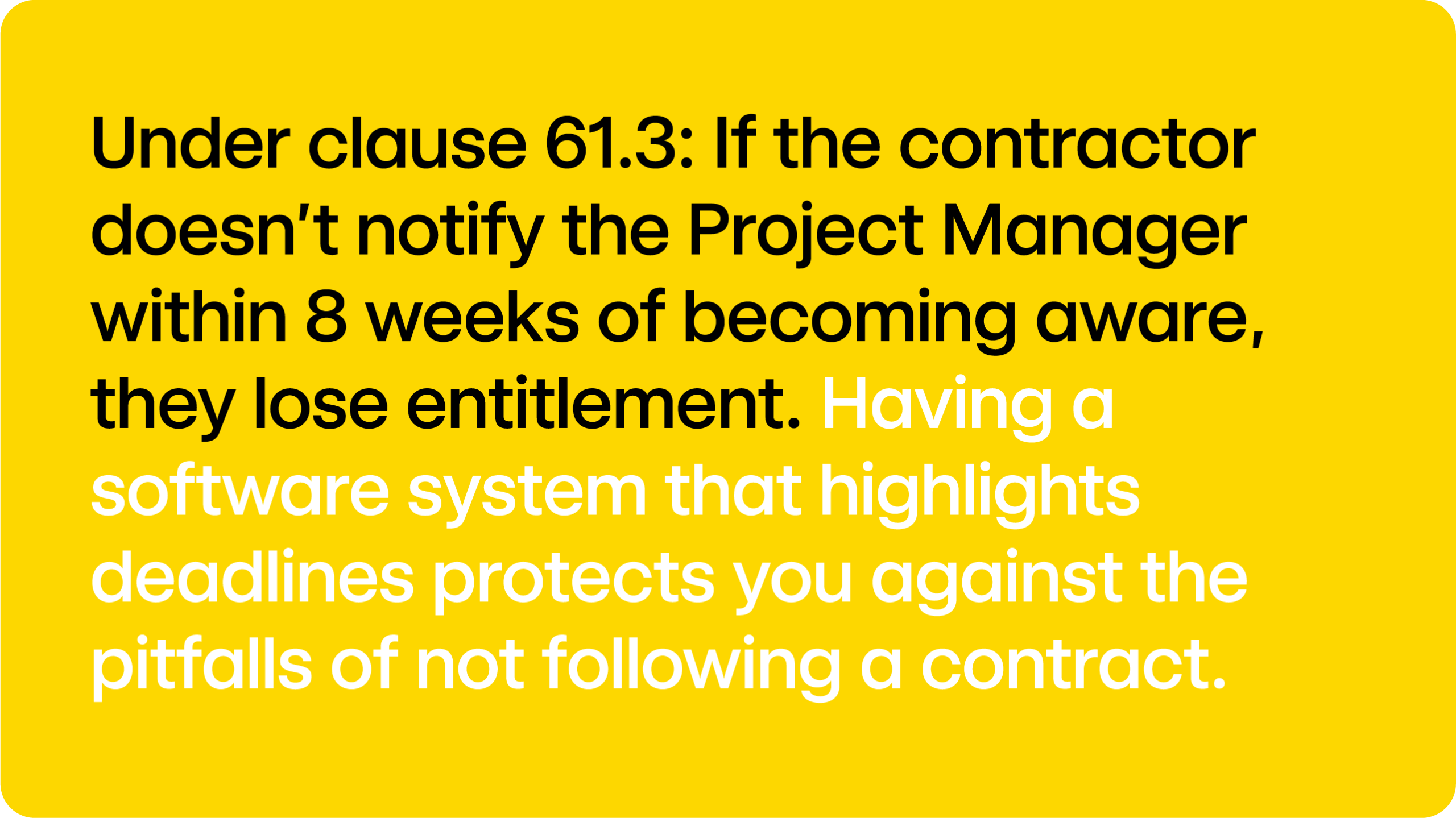
Under clause 61.3: If the contractor doesn’t notify the Project Manager within 8 weeks of becoming aware, they lose entitlement. Having a software system that highlights deadlines protects you against the pitfalls of not following a contract.
Digital workflows summary
Excel can be useful for reporting, but exporting and managing data daily is time-consuming and prone to errors. Contract management software automates reporting, delivering accurate, tailored reports directly from the system and saving valuable administrative time.
Spreadsheets can be hard to interpret, especially when built by someone else, making errors more likely. Software eliminates this risk by generating reports directly from live data, configurable to your needs. With automation handling the manual work, each project becomes easier to manage, giving you more time and confidence.
“You can administrate a contract through Excel but how much time and effort does that take.”

We’d love to support on your next project

Book a free demonstration